Create a Star Trek Communicator Edition RAZR : 3 Steps (with Pictures) - Instructables

Create a Star Trek Communicator Edition RAZR


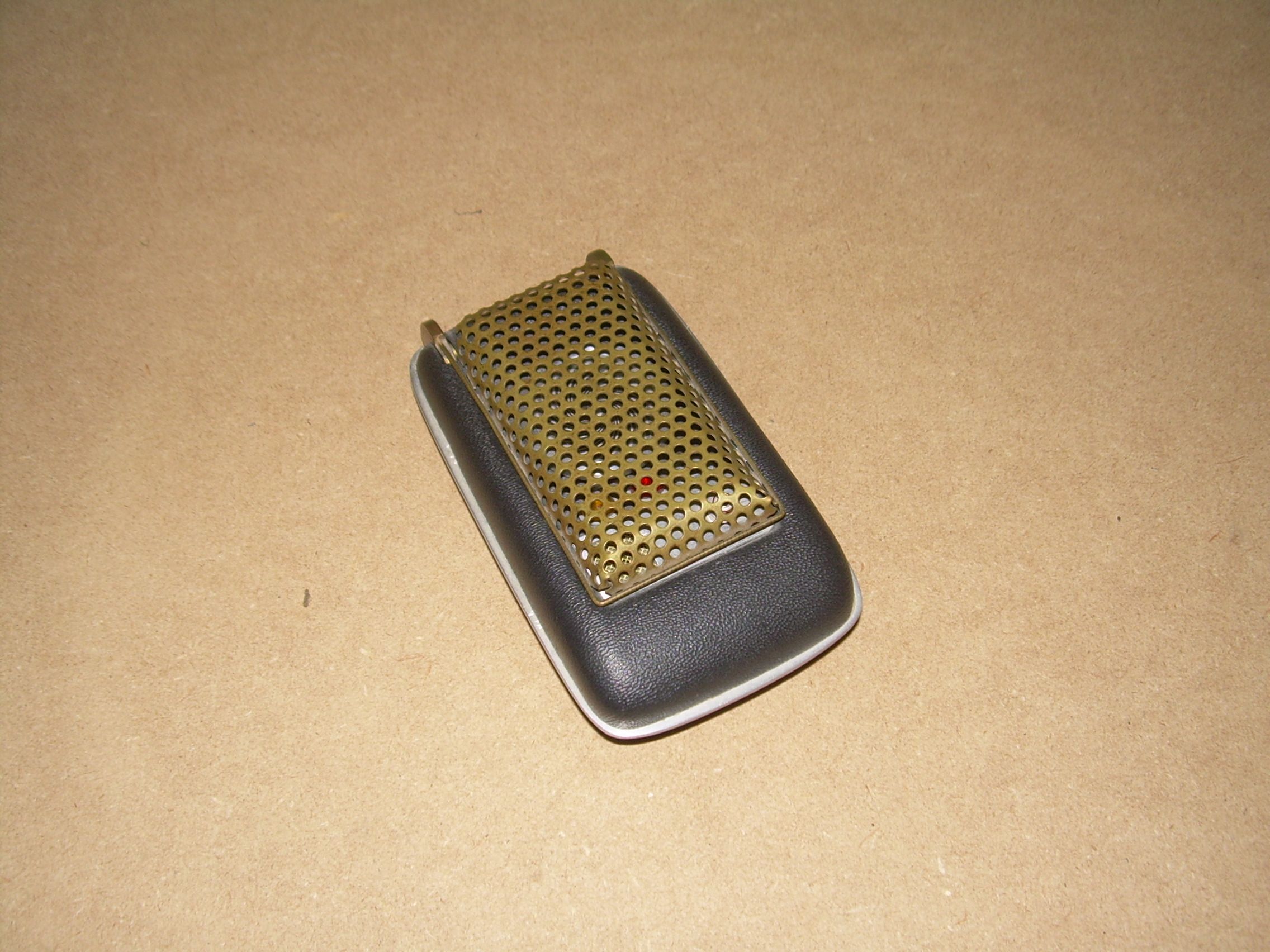
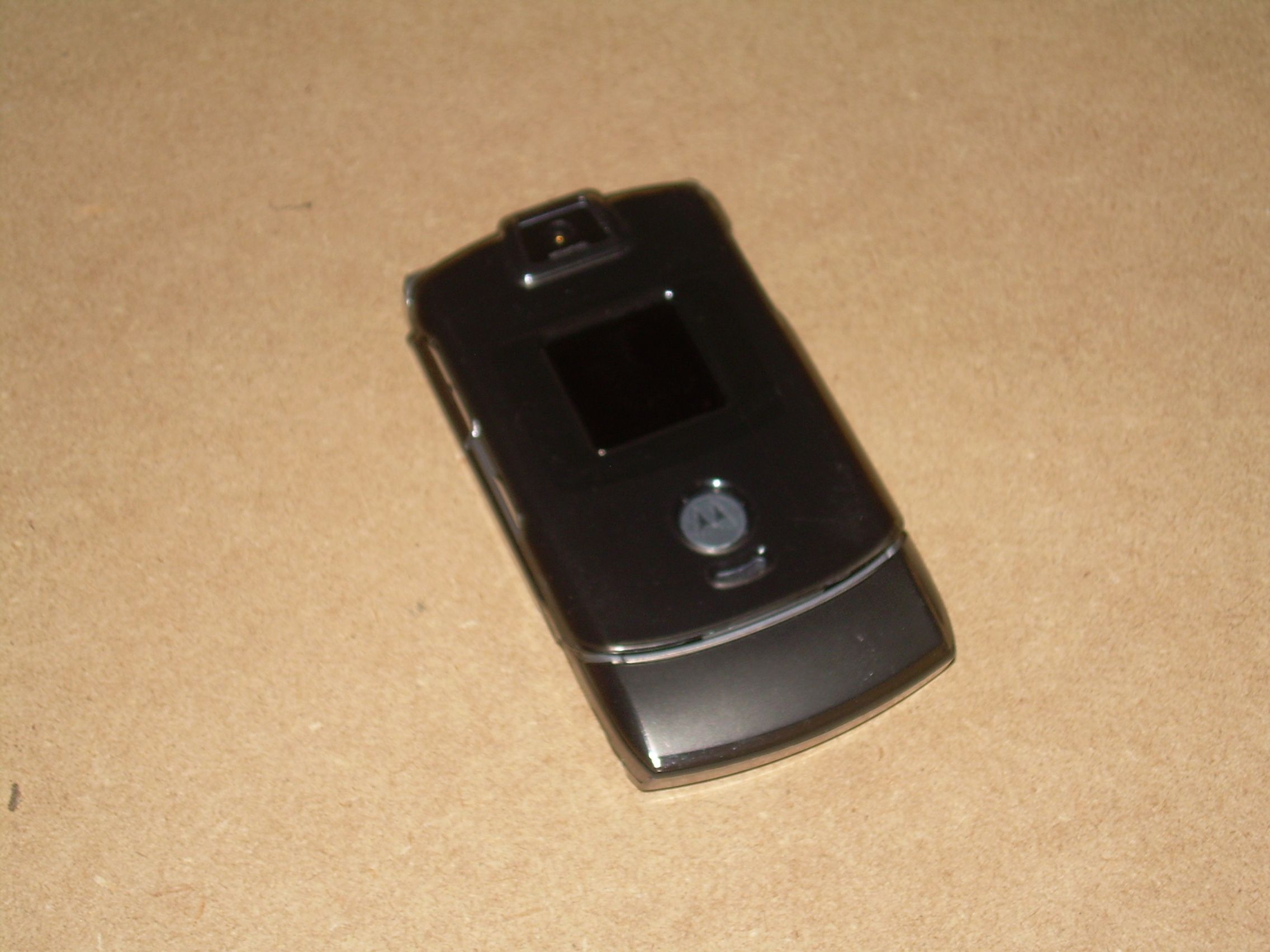
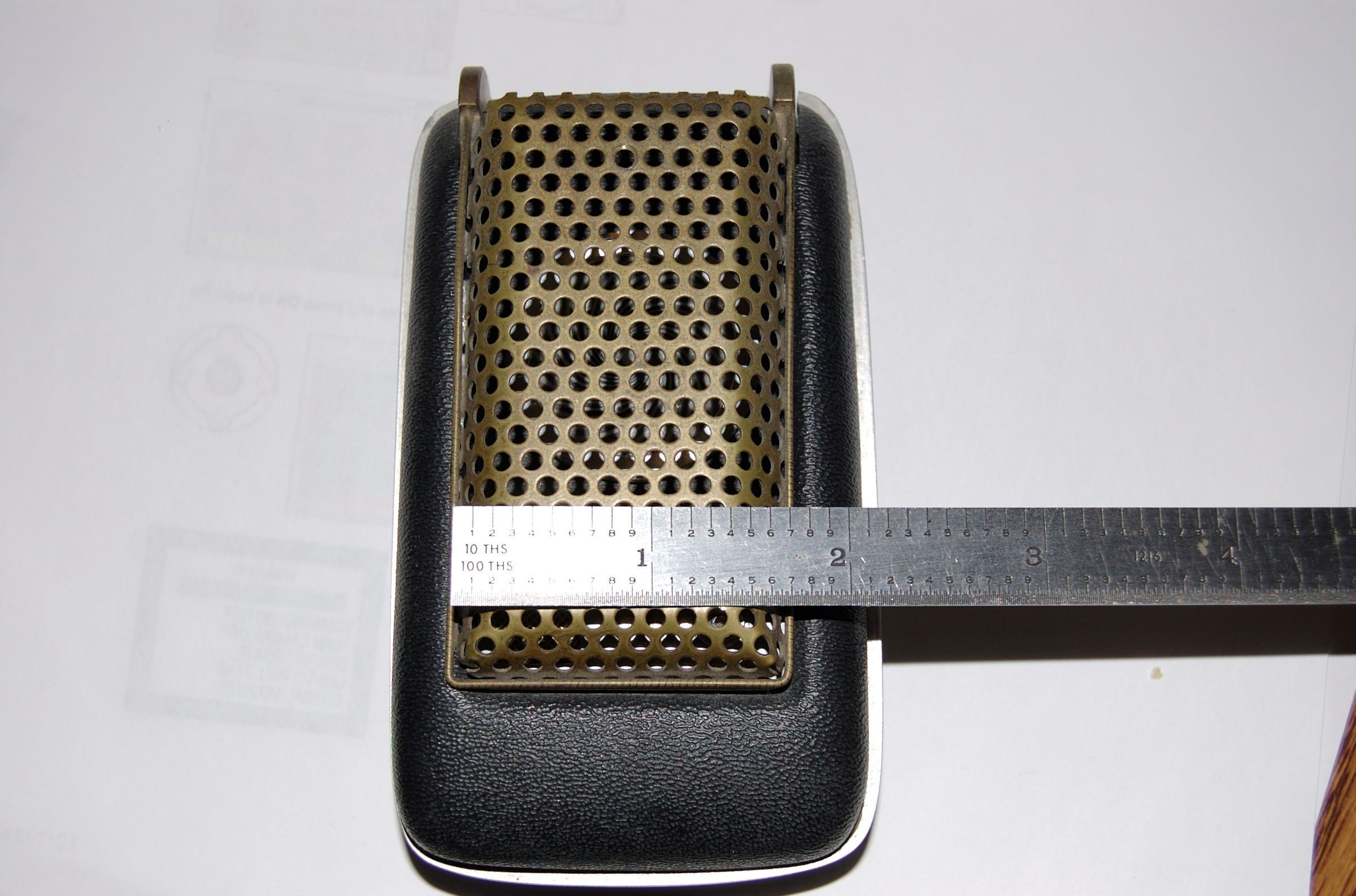

I've always been a maker, mod-er, and tinkerer. It started out when I was a kid, taking things apart to see how they worked and then trying to put them back together. Recently I purchased a 3D printer and it has opened up a whole new world of creativity for me.
Since
the Star Trek Communicator was the inspiration for todays flip phones,
why not make your phone look more like the original. I did and here's
how.
Step 1: Getting Started
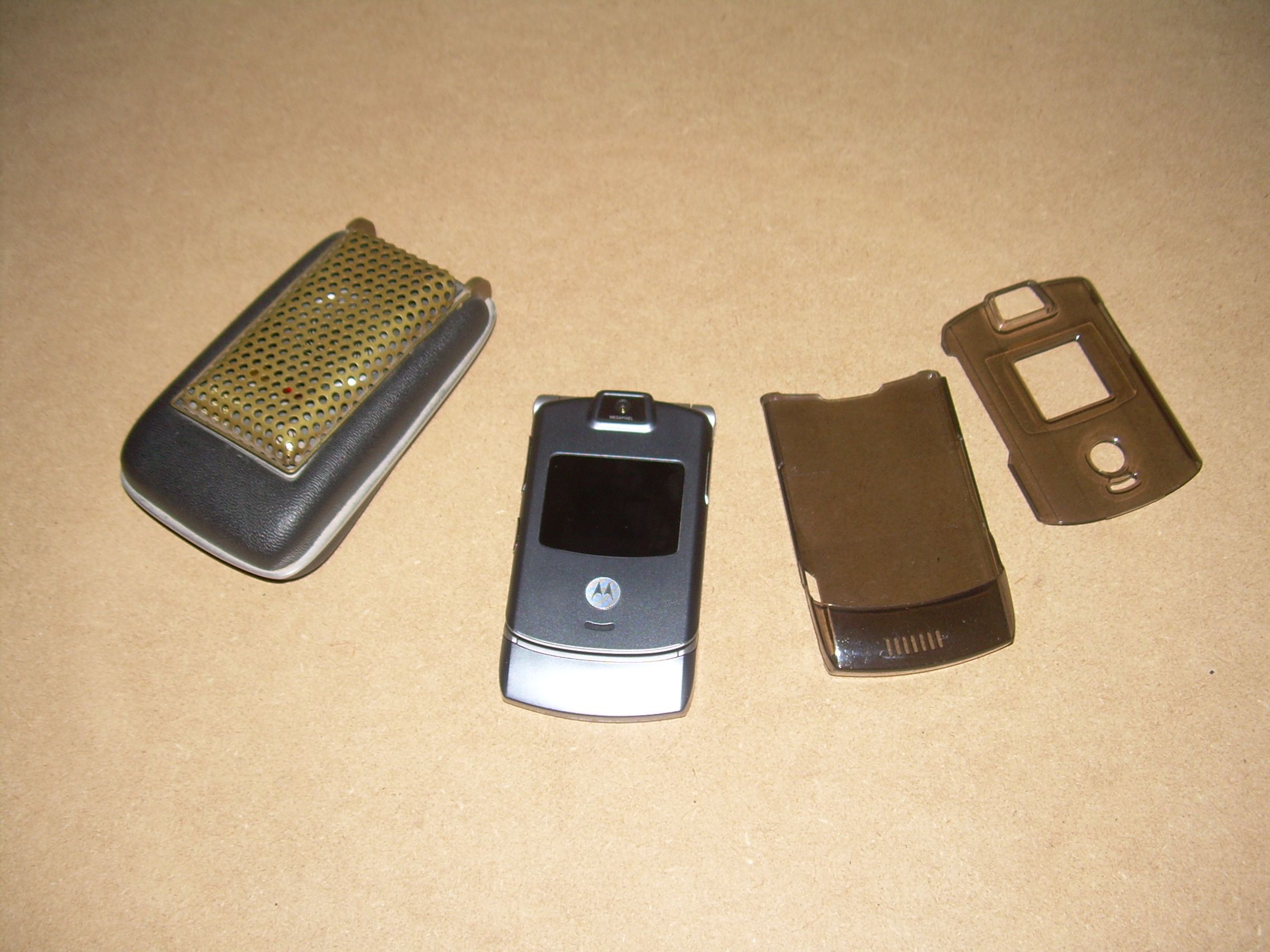
Here's the materials you'll need, it's a pretty short list;
1) A 2 piece plastic skin or shell for the model of phone that you have (unless you choose to case mod the actual phone), mine ran me ~$10.00
2) Spray Paint - (1) can of flat black and (1) can of gold
3) Steel wool or fine (600) grit sandpaper
4) a 3/32" drill bit*
5) 3/8" power drill*
*Optional, only needed if you intend to drill the flip cover shell for that added touch.
1) A 2 piece plastic skin or shell for the model of phone that you have (unless you choose to case mod the actual phone), mine ran me ~$10.00
2) Spray Paint - (1) can of flat black and (1) can of gold
3) Steel wool or fine (600) grit sandpaper
4) a 3/32" drill bit*
5) 3/8" power drill*
*Optional, only needed if you intend to drill the flip cover shell for that added touch.
Step 2: Painting the Parts
You'll
want to rough up the plastic parts slightly with either some steel wool
or fine grit sand paper, so that the paint will stick a little better.
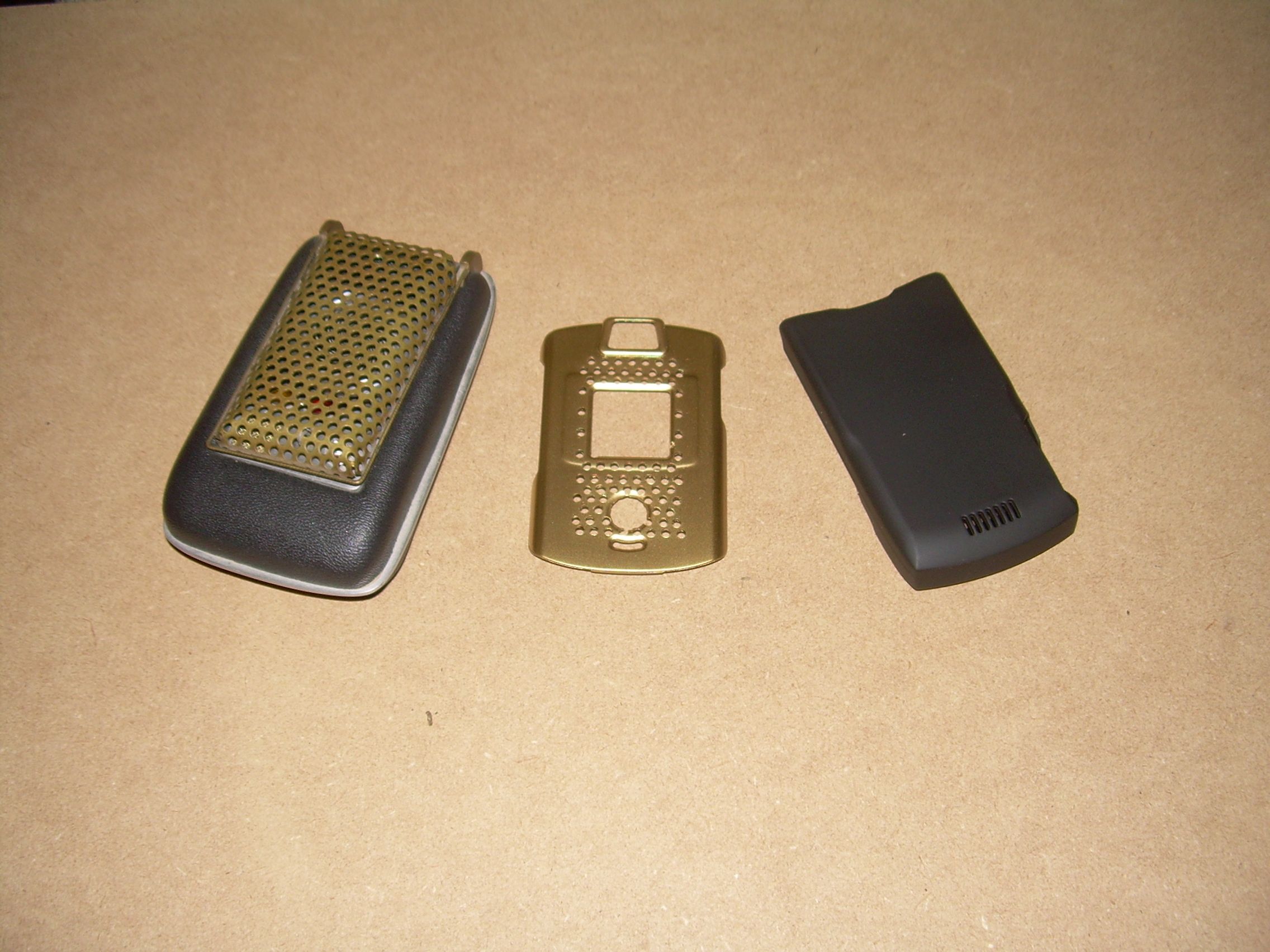
If you really want to go all out, you can drill the flip cover piece with a series of holes (to give it a more authentic "grill" look). I drill a few holes in mine using the flip cover of my replica communicator as a template to get the pattern of the holes correct.
To just get the basic Communicator look, the base cover piece, for the the phones keypad section, will be painted black. The piece that attachs to the flip cover/screen will be painted gold.
Follow the instructions on the brand of paint that you buy for painting and drying time.
If you really want to go all out, you can drill the flip cover piece with a series of holes (to give it a more authentic "grill" look). I drill a few holes in mine using the flip cover of my replica communicator as a template to get the pattern of the holes correct.
To just get the basic Communicator look, the base cover piece, for the the phones keypad section, will be painted black. The piece that attachs to the flip cover/screen will be painted gold.
Follow the instructions on the brand of paint that you buy for painting and drying time.
Step 3: Snap It Together
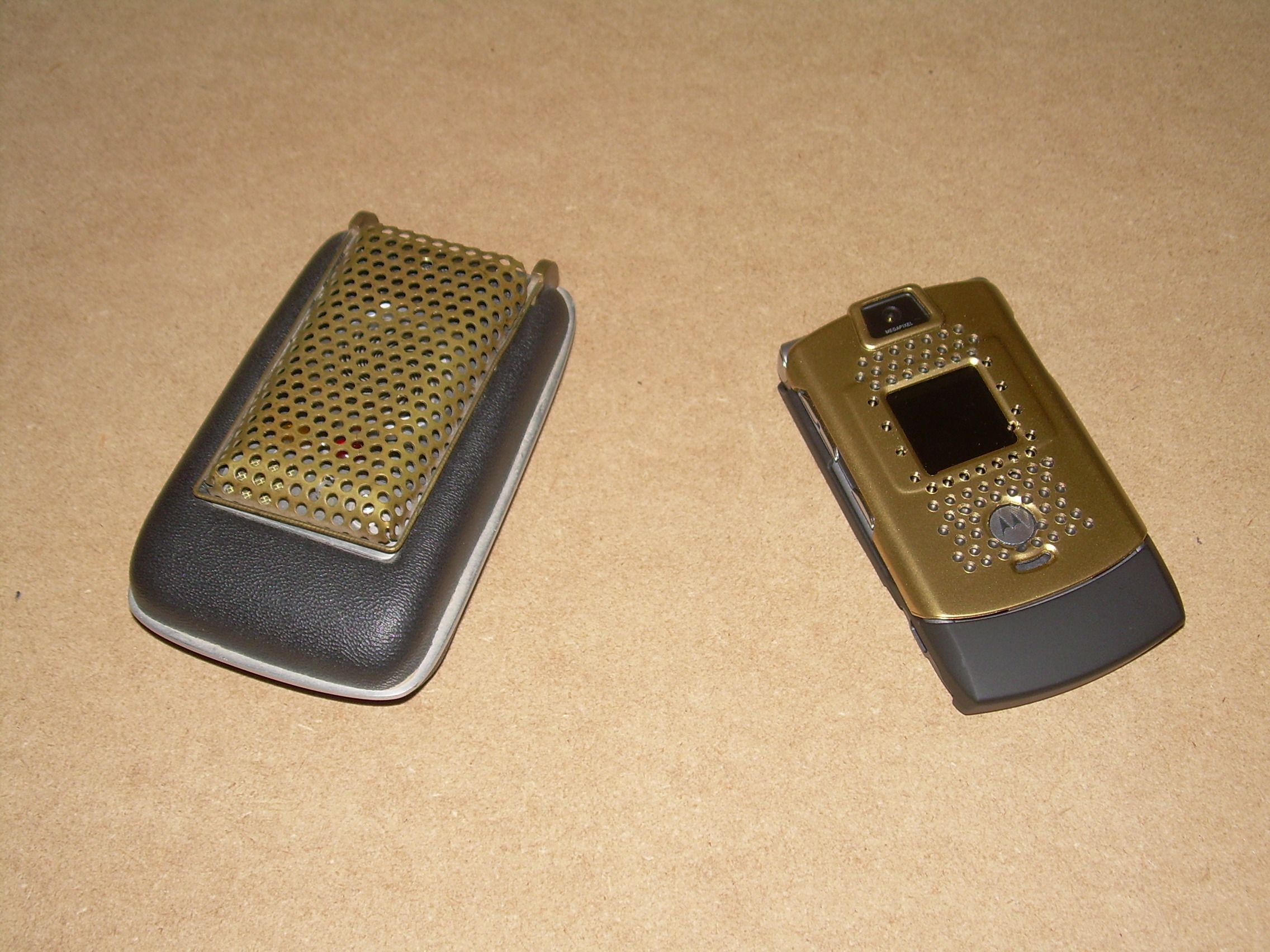
Once
the paint is dry, just snap the parts in place and viola, you're really
to beam up to the Enterprise. Ideally I'd like to find some brass stock
with the right kind of perforations and form a "grill" cover from that
material. But that'll be a project for another day.


No comments:
Post a Comment